The apps
Two apps, two audiences, one platform
The platform comes with two phone apps built for opposite jobs. Your crew carries one that keeps working in a basement with no signal. Your customers get one that answers the question they used to phone you about: was my car washed, and what did it look like.
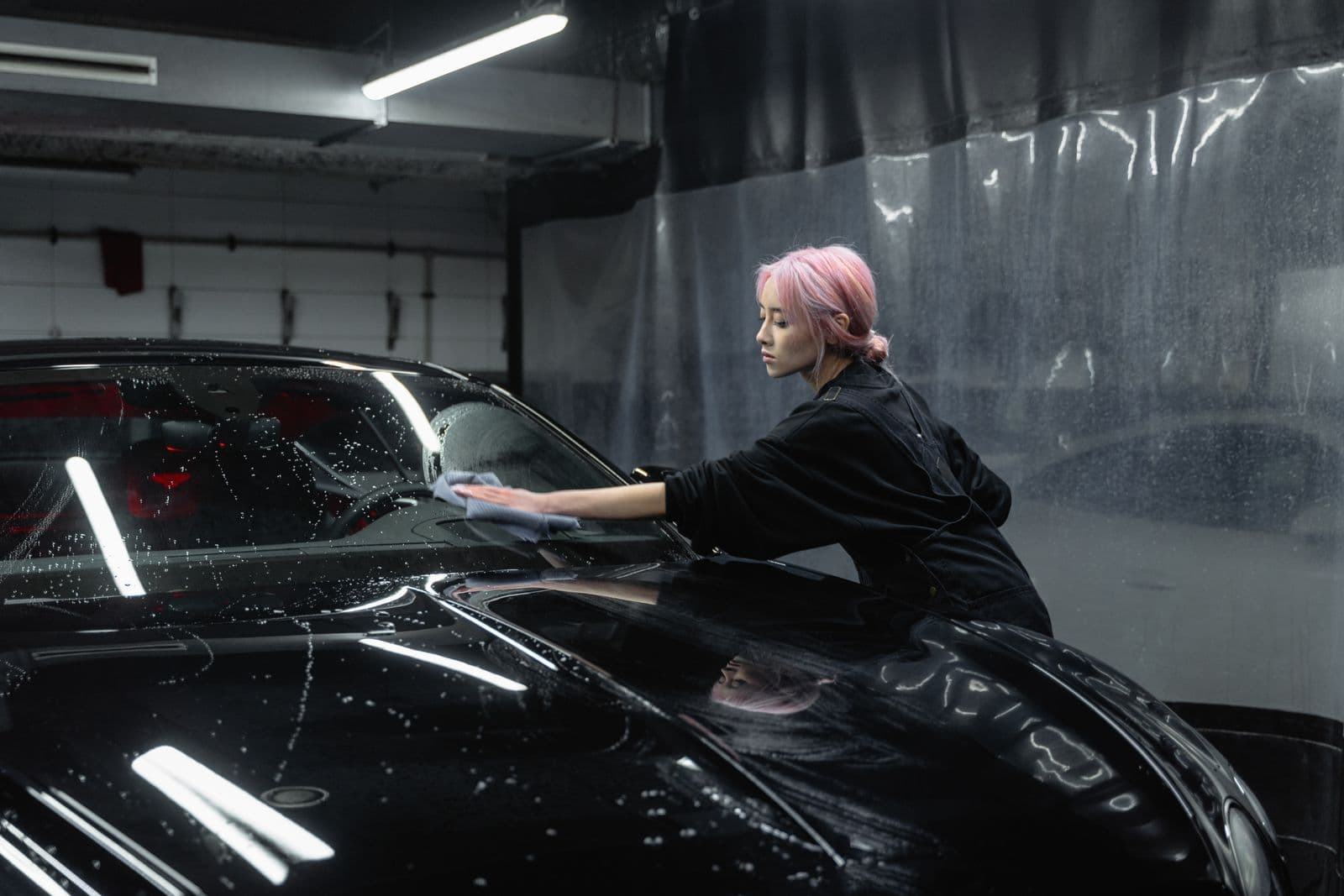
WashBox Employee, the app your crew carries
The washer's app is offline-first, and that is not a feature bolted on for edge cases. It is the whole design, because the buildings worth having a contract with are towers and compounds where the work happens in an underground car park with no signal. Every job the crew starts and every photo they take is written to the phone first. When signal comes back, on the drive out or near the office wifi, the phone uploads by itself. The washer never watches a spinner, never retries a failed send, and never loses a job because a lift dropped the connection halfway through.
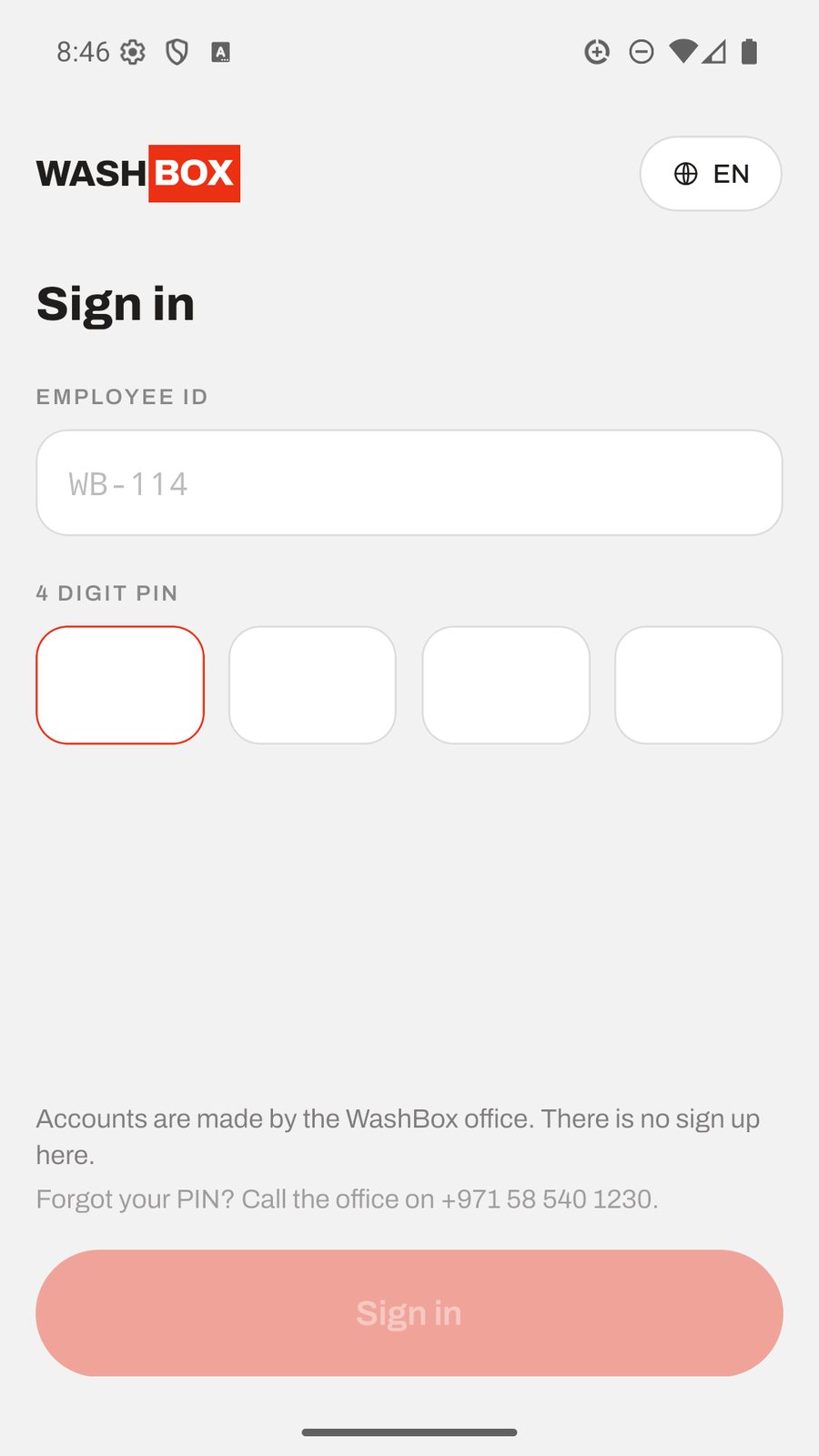
A washer signs in with an employee ID and a four digit PIN. There is no email and no sign up on the phone: accounts are made in the office panel, so a new hire is ready the moment their code is issued. The first phone a washer signs in on is approved automatically. Any later phone has to be approved by the office, so a lost or borrowed handset cannot quietly become a second way into the account. A forgotten PIN is reset from the panel, behind an admin re-entering their own password, and never over the phone.
A wash runs as a short guided flow. The washer picks the car by emirate and plate, picks the building they are standing in so the location is recorded even where there is no GPS fix underground, takes before photos, then after photos, records whether the customer paid cash, paid card or is covered by their plan, and submits. Every photo carries its coordinates, its accuracy and the time it was taken. Once a job is submitted nothing in it can be changed, which is what makes the record worth trusting later.
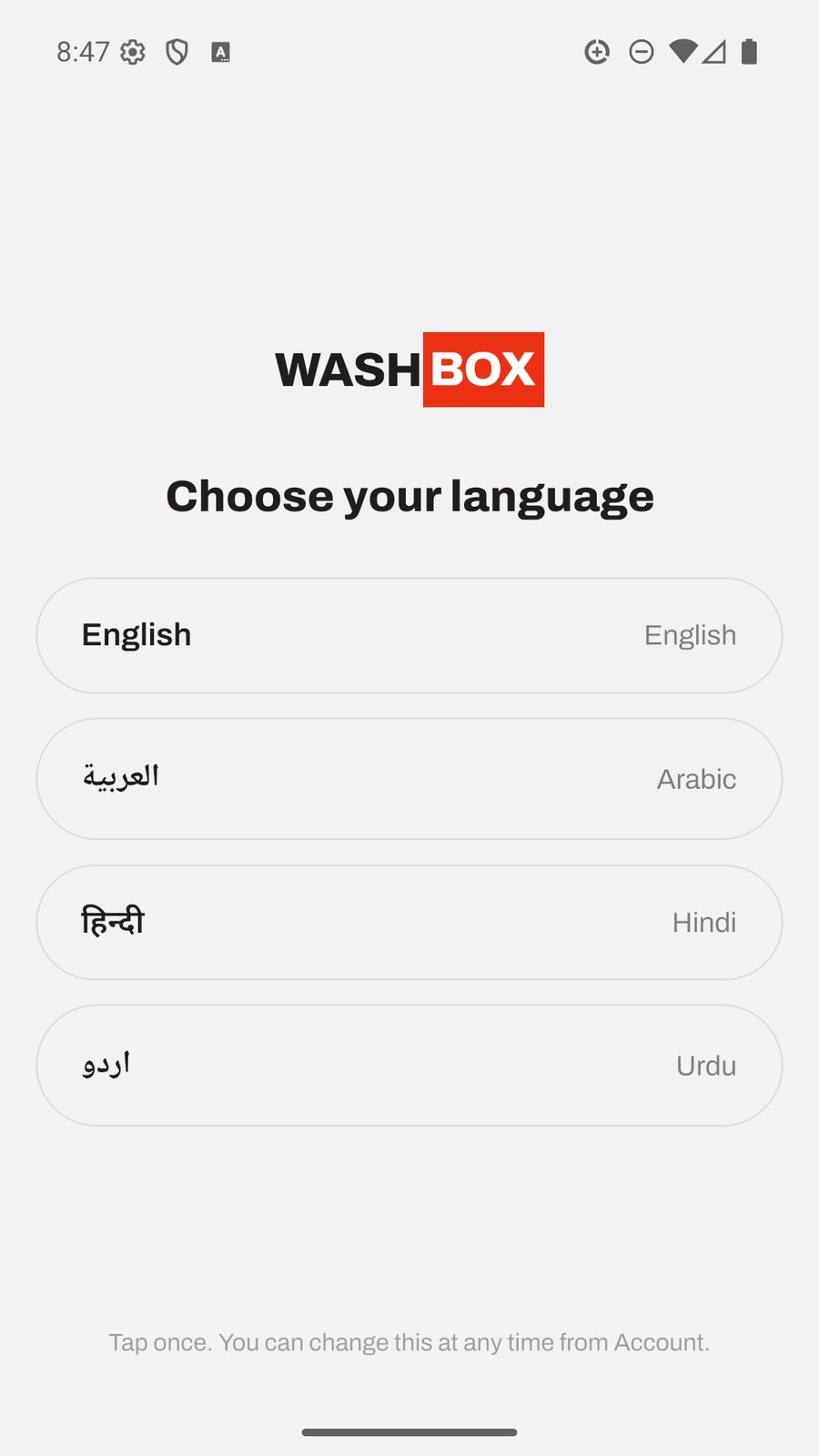
The app runs in English, Arabic, Hindi and Urdu, each shown in its own script, because a crew in this region rarely shares one first language. It is built to be used with one hand, in the heat, next to a car, by someone who should be washing and not fighting software.
- Signs in with an employee ID and a four digit PIN, no email required
- Every job and photo is saved on the phone first and uploads itself when signal returns
- A building picker records where a wash happened when a basement has no GPS fix
- Before and after photos are stamped with coordinates, accuracy and the time taken
- Records cash, card or plan covered at the car, without processing any payment
- Once a job is submitted, nothing in it can be changed
- Works in English, Arabic, Hindi and Urdu, each in its own script
WashBox, the app your customers get
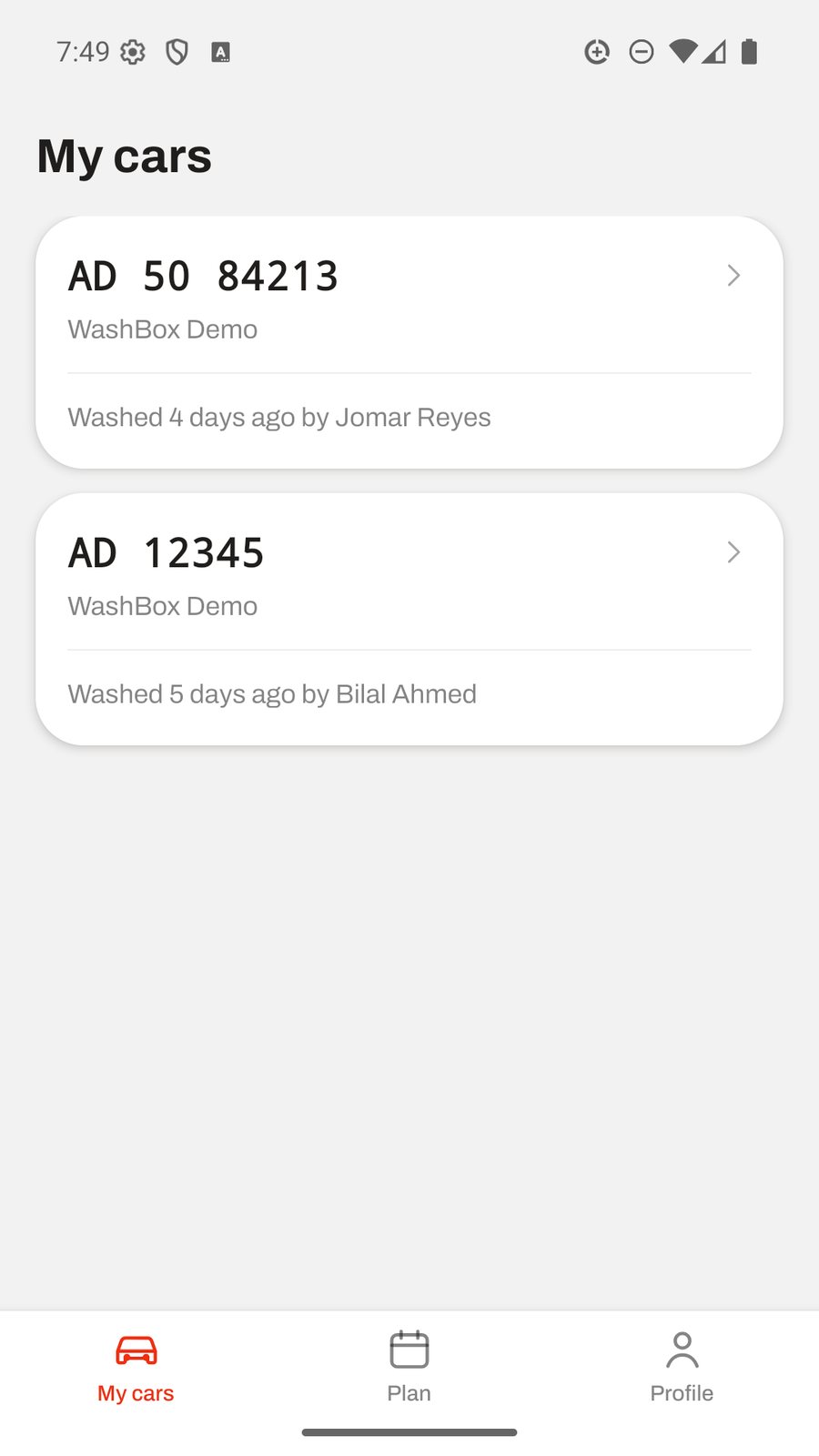
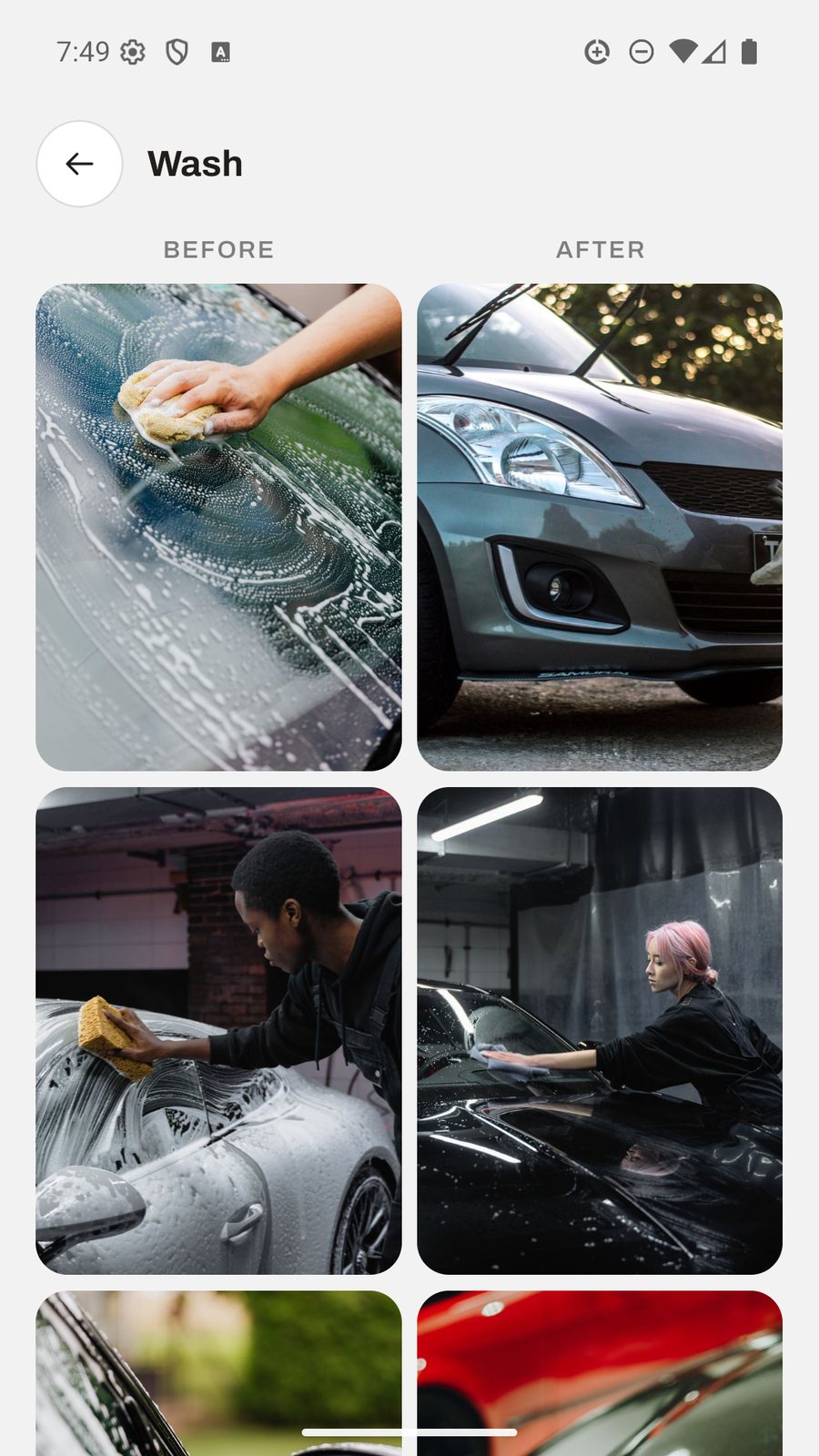
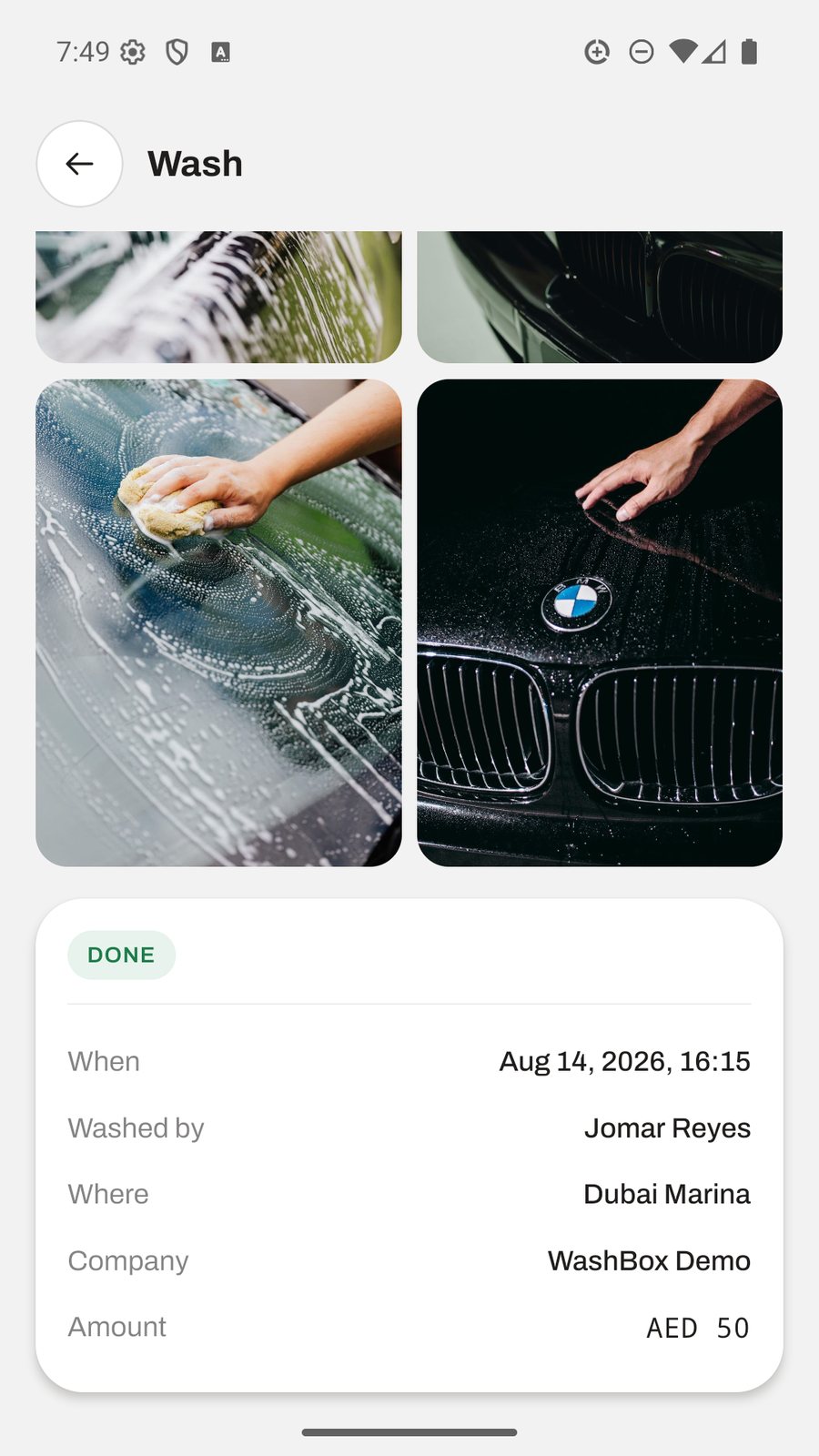
The resident's app exists to remove the phone call. A car owner who wants to know whether their car was done, when, by whom, and what it looked like can open the app and see it, instead of ringing your office and pulling someone off their work to check. Everything the crew recorded at the car shows up here: the last wash, the before and after photos side by side, the location and the time.
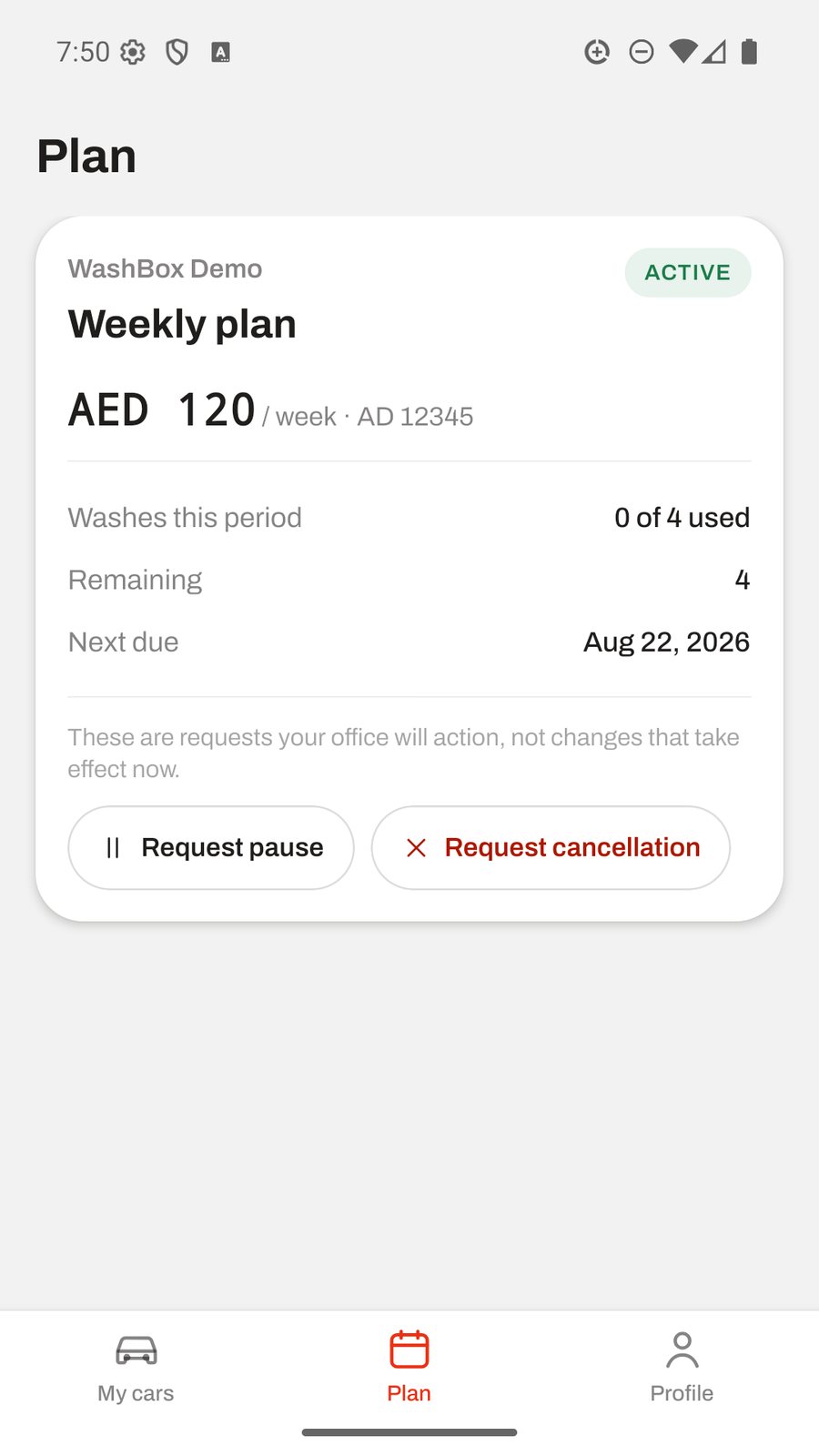
It is a read-mostly app on purpose. A resident sees the cars linked to their number, each car's wash history, the photographs from every wash, and their subscription with the date the next wash is due. What they cannot do is move money or change what they are paying. The app takes no payment and shows no card form, and the subscription price can only be set by an owner on the panel, where it is audited. Handing that to a public app would undo the control the panel keeps.
Where a resident does want something changed, they request it and your office decides. They can ask to pause or cancel a plan, and that arrives on the panel as a request for an admin to act on, not as a change that has already happened. The office stays in charge of every commercial decision.
A resident registers with their mobile number, a name and a password. The link to your company starts as pending and only shows history once it is verified, either by an office confirmation in the panel or, where an operator has enabled it, an SMS code. There is no SMS provider configured by default, so the office confirmation is the path that works out of the box, and a company that knows its customers approving a request is a sound check. A resident can delete their account from inside the app or at washbox.ae/delete-account. Deleting removes their login, their company links and their sessions, and it deliberately leaves your washes, photos and amounts in place, because those are your company's own record of work it performed.
- See every car linked to your customer's number and its last wash at a glance
- Open any wash to see the before and after photos side by side
- Check the subscription and the date the next wash is due
- Request a pause or a cancellation, which the office reviews and decides
- No payment is taken in the app and no price can be changed inside it
- History only appears after the operator's office verifies the account
- Delete the account in the app or at washbox.ae/delete-account
Frequently asked questions
Do residents have to install the app?
No. The office panel is the platform and runs a full car wash operation without a single resident installing anything. The resident app is an extra you can offer the buildings that want it, not a requirement for the crew to work or for you to keep records.
What languages does the crew app support?
English, Arabic, Hindi and Urdu, each shown in its own script. A washer picks their language on first use and can change it any time from the Account screen, so a mixed crew each reads the app in the language they are fastest in.
Does the crew app work with no signal?
Yes, and that is its core design. Jobs and photos are written to the phone first and upload themselves when signal returns, so a wash in a basement car park is captured in full and the washer never waits on a connection. The app will not delete a job to free space; it keeps everything until it has reached the office.
Can a resident change their own price or plan in the app?
No. The app cannot change money at all. A resident can request a pause or a cancellation, which arrives on the panel for your office to decide. The subscription price is owner-only and audited on the panel, and nothing in the resident app can alter it.
Can the resident app take a payment?
No. It shows no card form and processes no payment. The platform records what was agreed and what the crew collected in cash or card at the car; it does not take card payments anywhere, in the app or the panel.
How does a washer's new phone get approved?
The first phone a washer signs in on is approved automatically. Any later phone has to be approved by your office before it can sign in, so a lost or borrowed handset cannot become a second way into the account. A PIN reset is done from the panel, behind an admin re-entering their own password.
How is a resident's account verified before they see wash history?
A new account's link to your company starts as pending. It becomes active either when your office confirms it in the panel or, where an operator has enabled SMS, by a one time code. There is no SMS provider configured by default, so office confirmation is the path that works out of the box, and it stops anyone registering with a neighbour's number to see photos of a car that is not theirs.
How does a resident delete their account?
From inside the app or at washbox.ae/delete-account. Deleting removes their login, their links to companies and their sessions. It deliberately does not remove your washes, photos or collected amounts, because those are your company's own record of work it performed and its evidence in any dispute.

Abu Dhabi City & Al Reem Island
Ask for a platform walkthrough
Tell us where the car is and what it needs. We confirm the slot and the price on the call.
+971 58 540 1230 WhatsApp